YOUR NEXA, ON THE BIG SCREEN
Link your TV.
Keep watching.
Your playlists are ready to follow you. Connect your TV with the Google or Amazon account you use for Nexa.
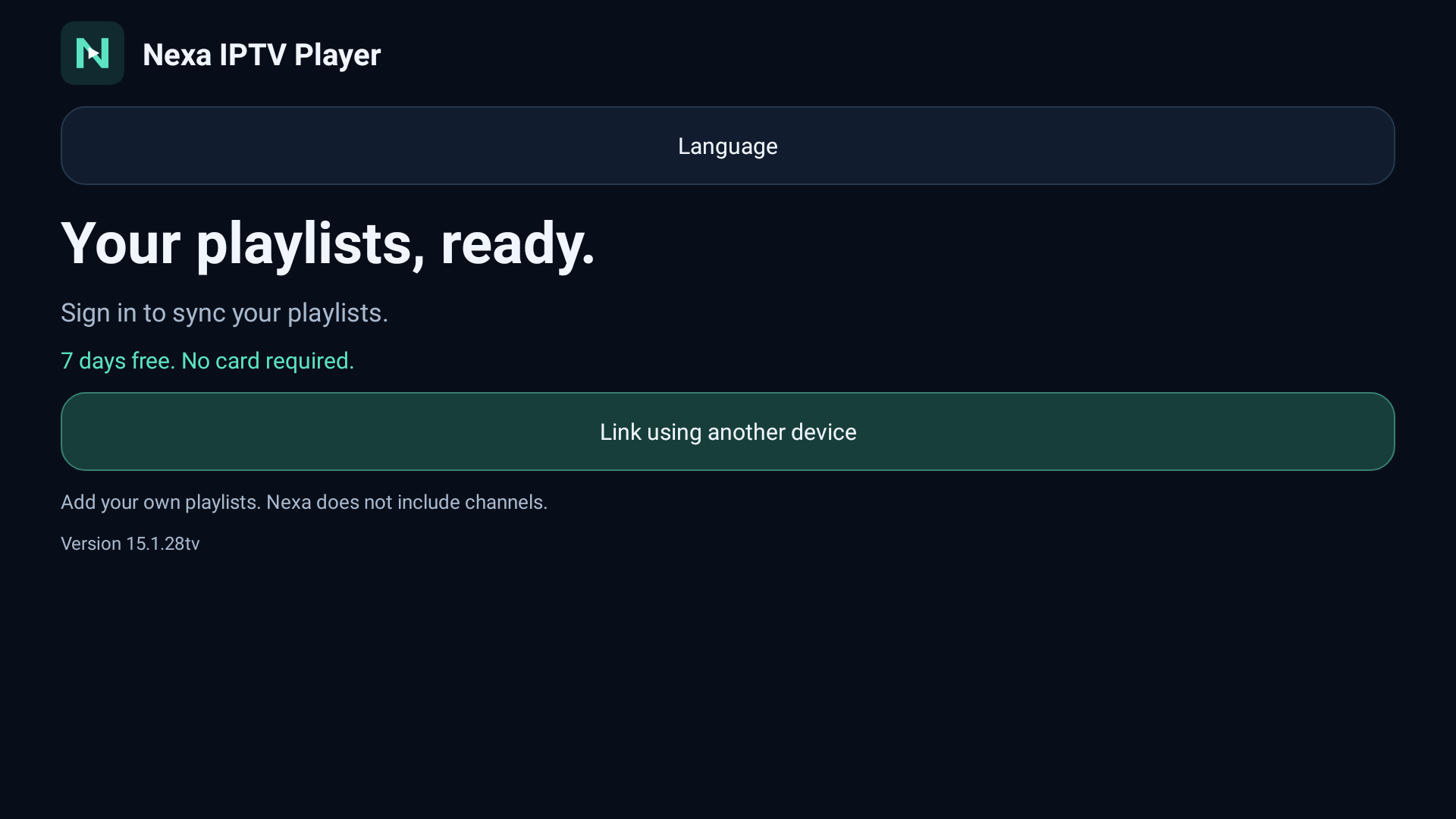
- 1Open Nexa on your TV
The demo shows a code and QR for linking your device.
- 2Enter your TV’s code
Use the ten-character code shown on your screen.
- 3Sign in and confirm
Use the same account as in your Nexa app.
LET’S CONNECT YOUR SCREEN
Enter your code
Find it on your TV. Codes are valid for ten minutes.
Only confirm a device you have in front of you. You sign in securely through Google or Amazon.
Manage my linked devices