Google or Amazon
A secure and simple
way to access Nexa.
ANDROID · ANDROID TV · FIRE TV
Play and organize your own playlists on Android, Android TV, Google TV and Fire TV with one Nexa account.
No card required · Up to 5 devices · Content not included
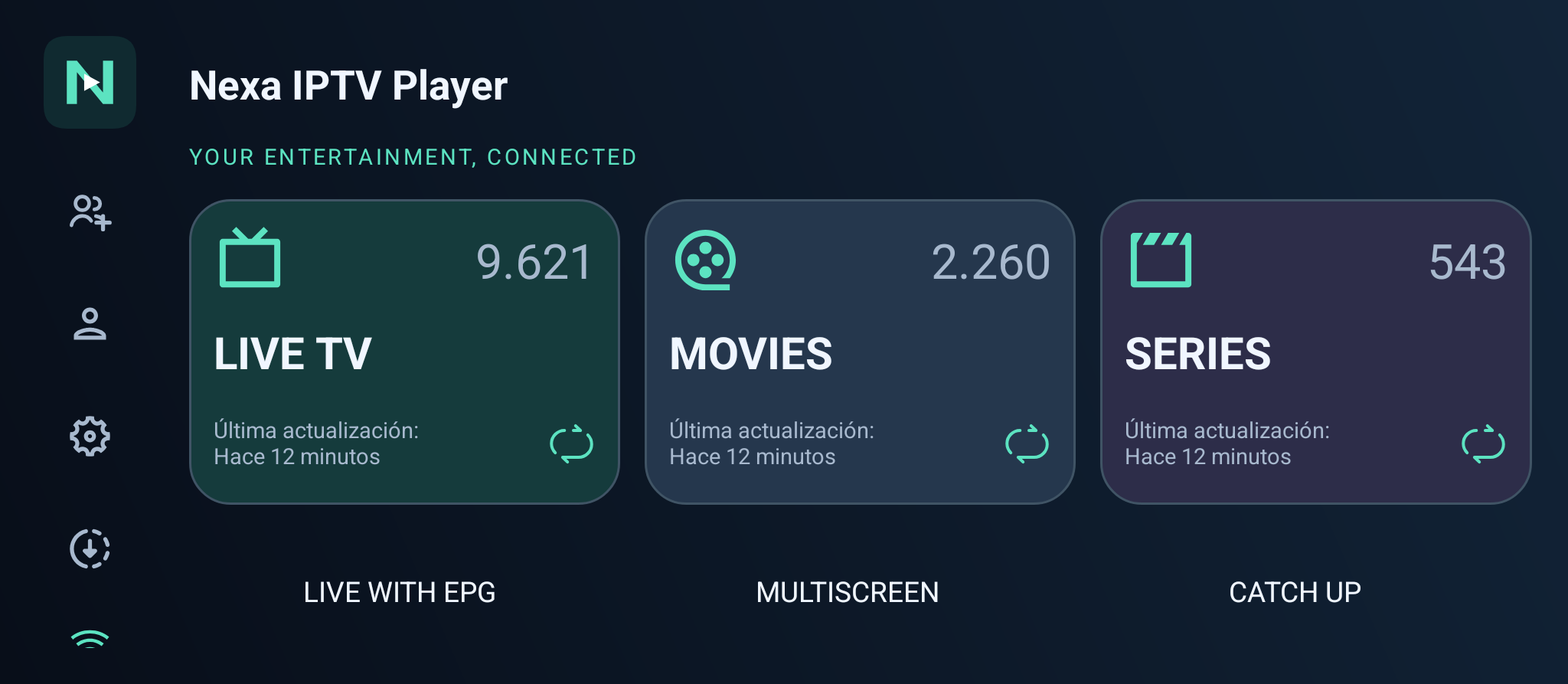
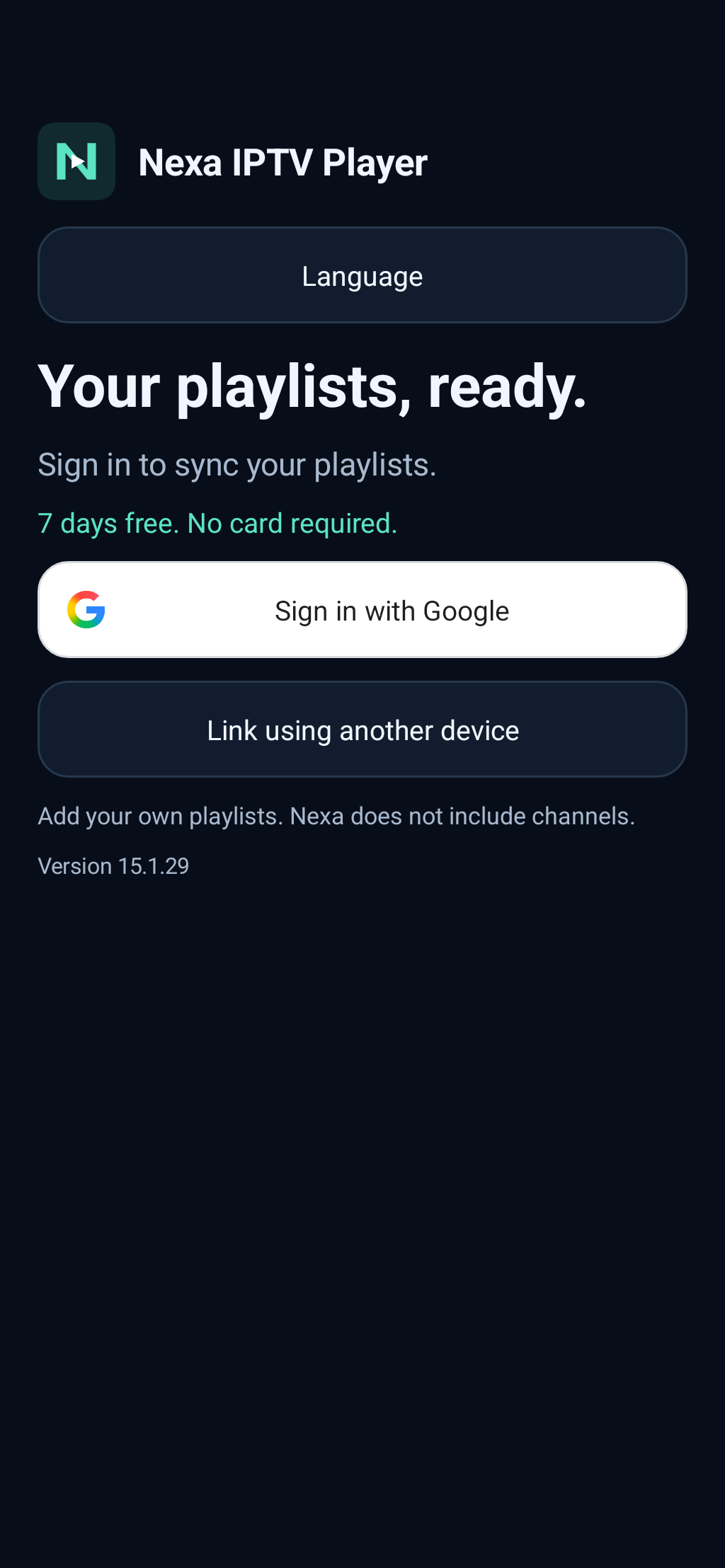
Actual app screenshots · Content not included
A secure and simple
way to access Nexa.
Add your playlists once and keep them in sync across all your devices.
Use Nexa on your phone, tablet and Android TV.
Compatible with the most popular playlist formats.
Designed for mobile, tablets and Android TV.
MADE FOR YOUR EVERYDAY
Add your playlists once. Nexa keeps your library available across all your linked devices.
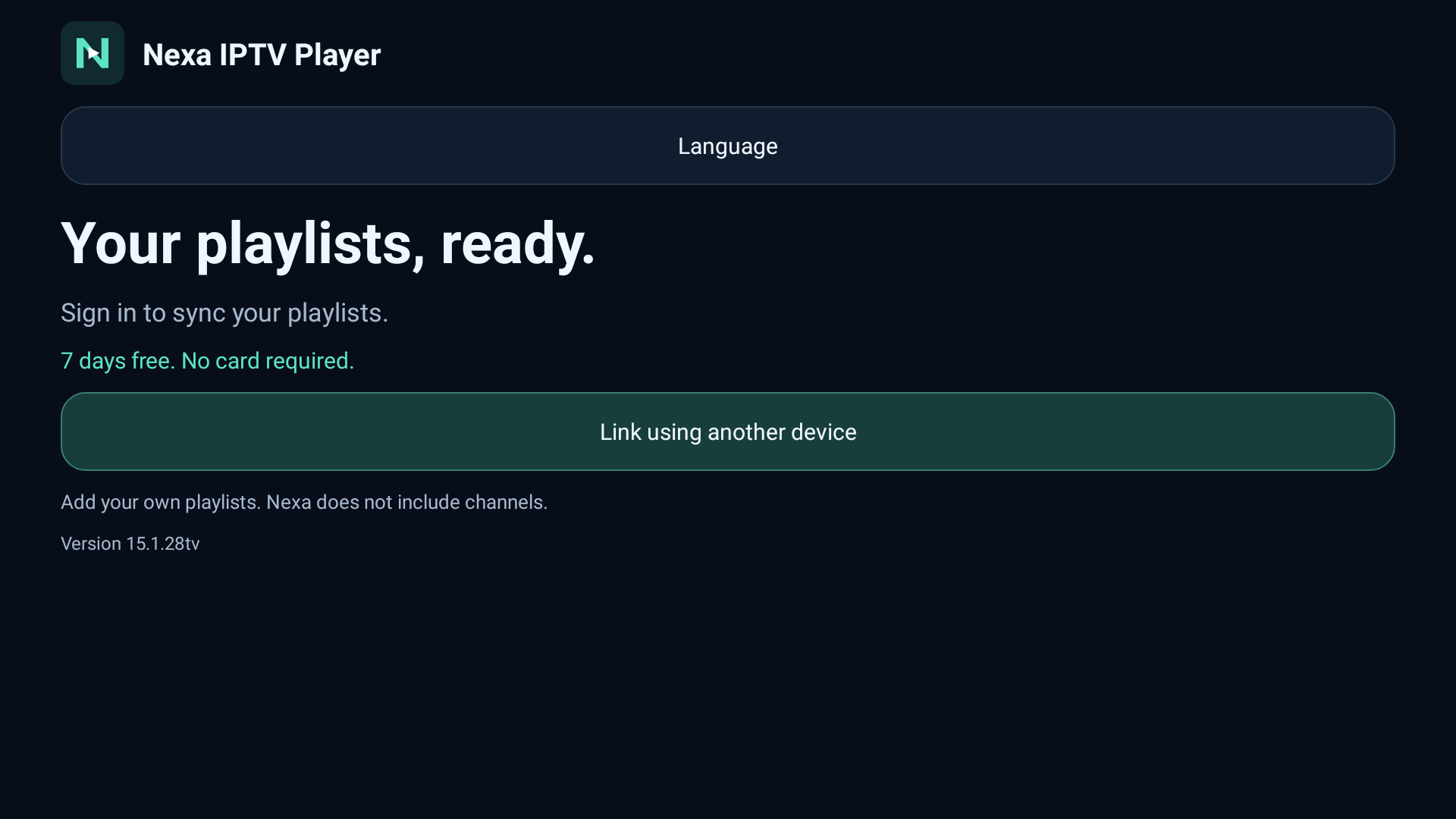
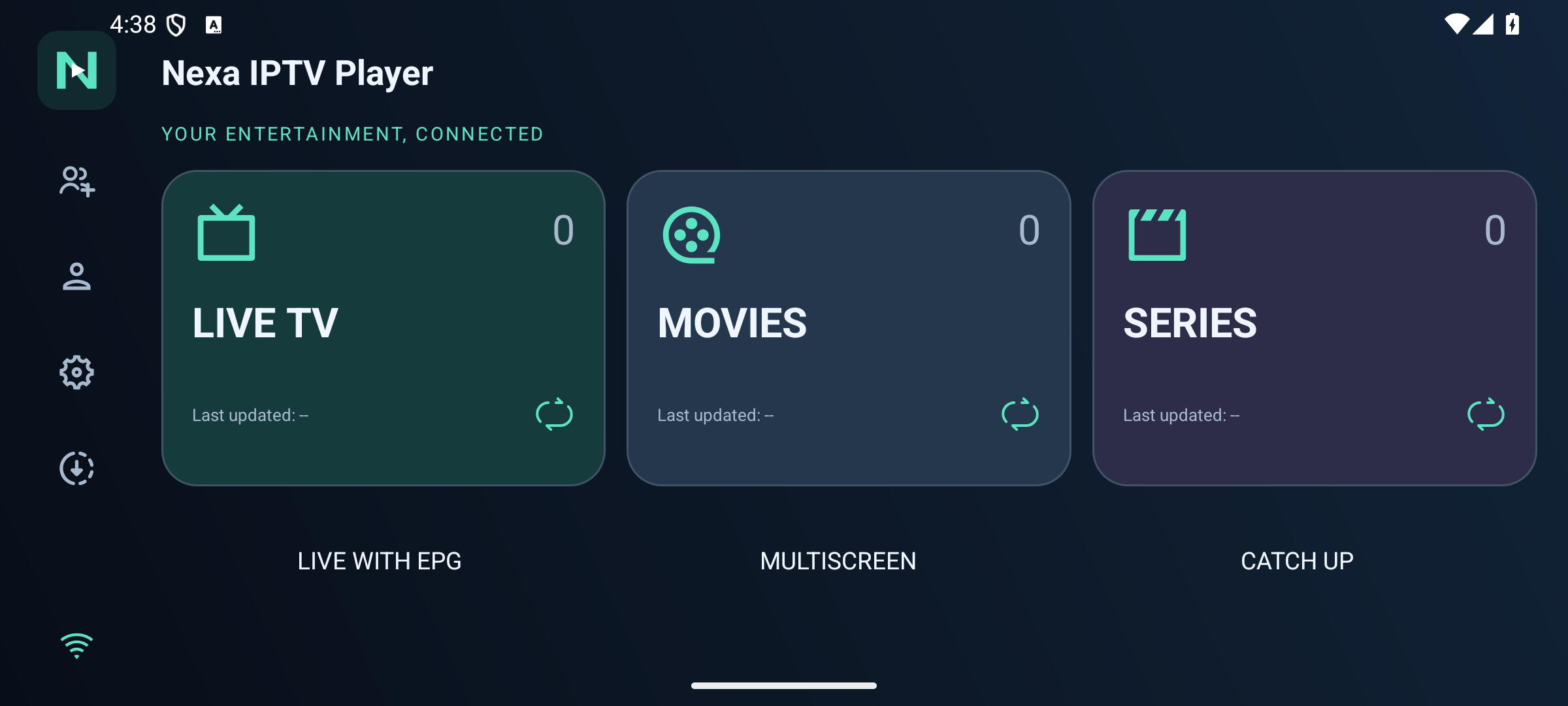
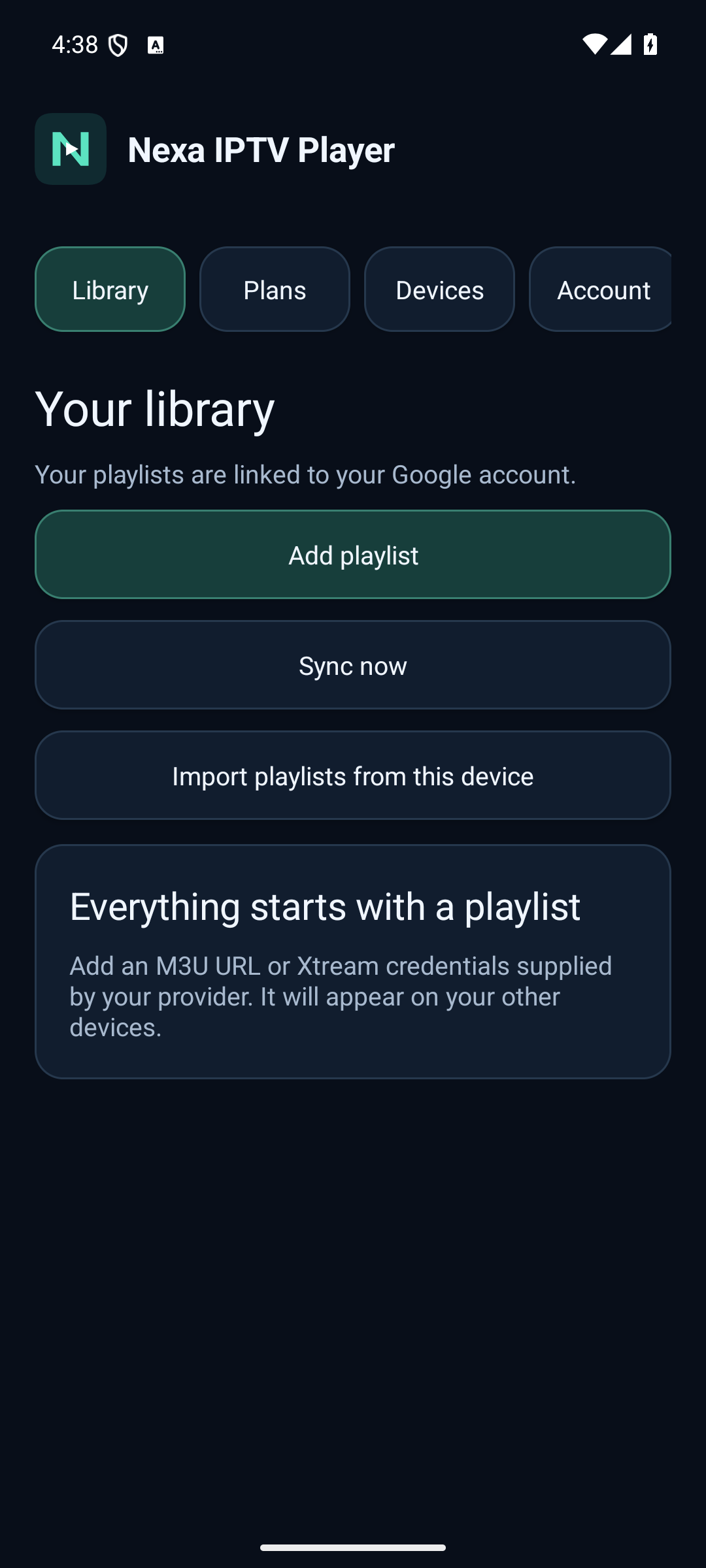
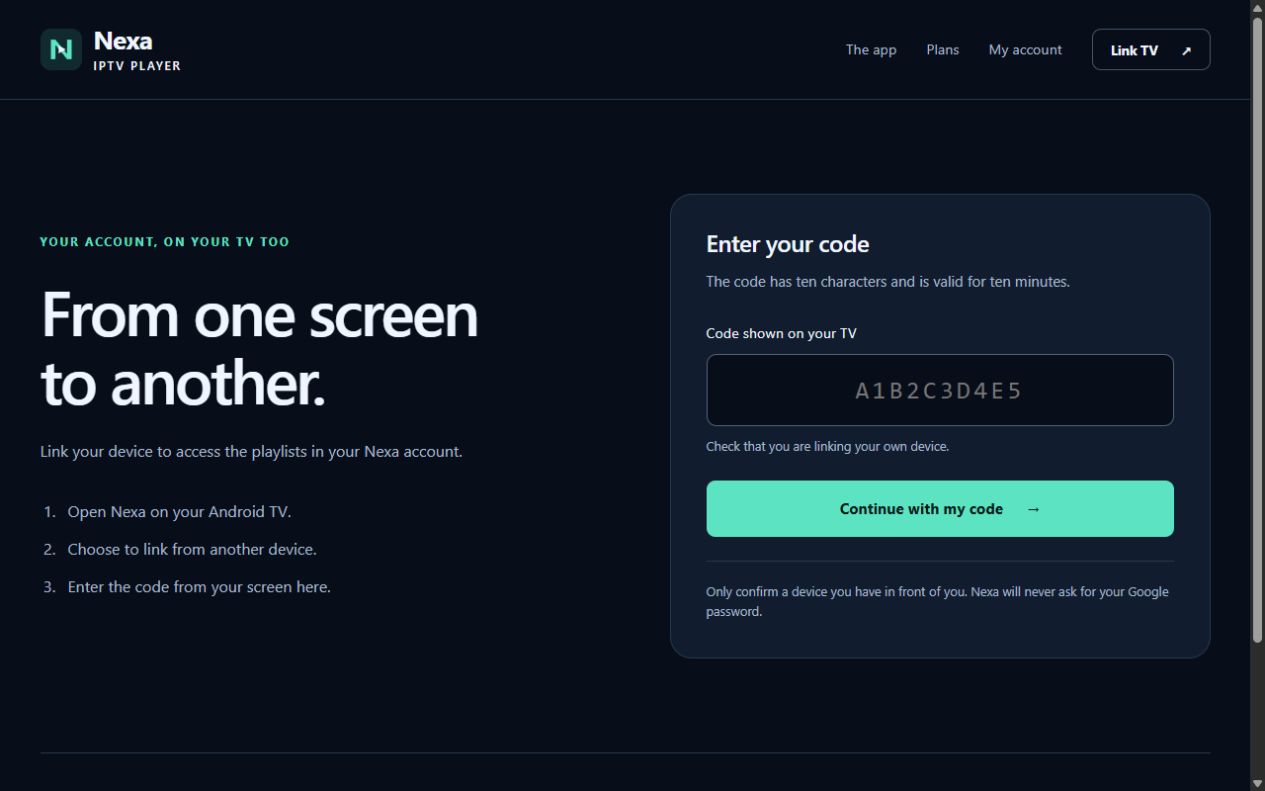
No complicated IDs. Just a code.
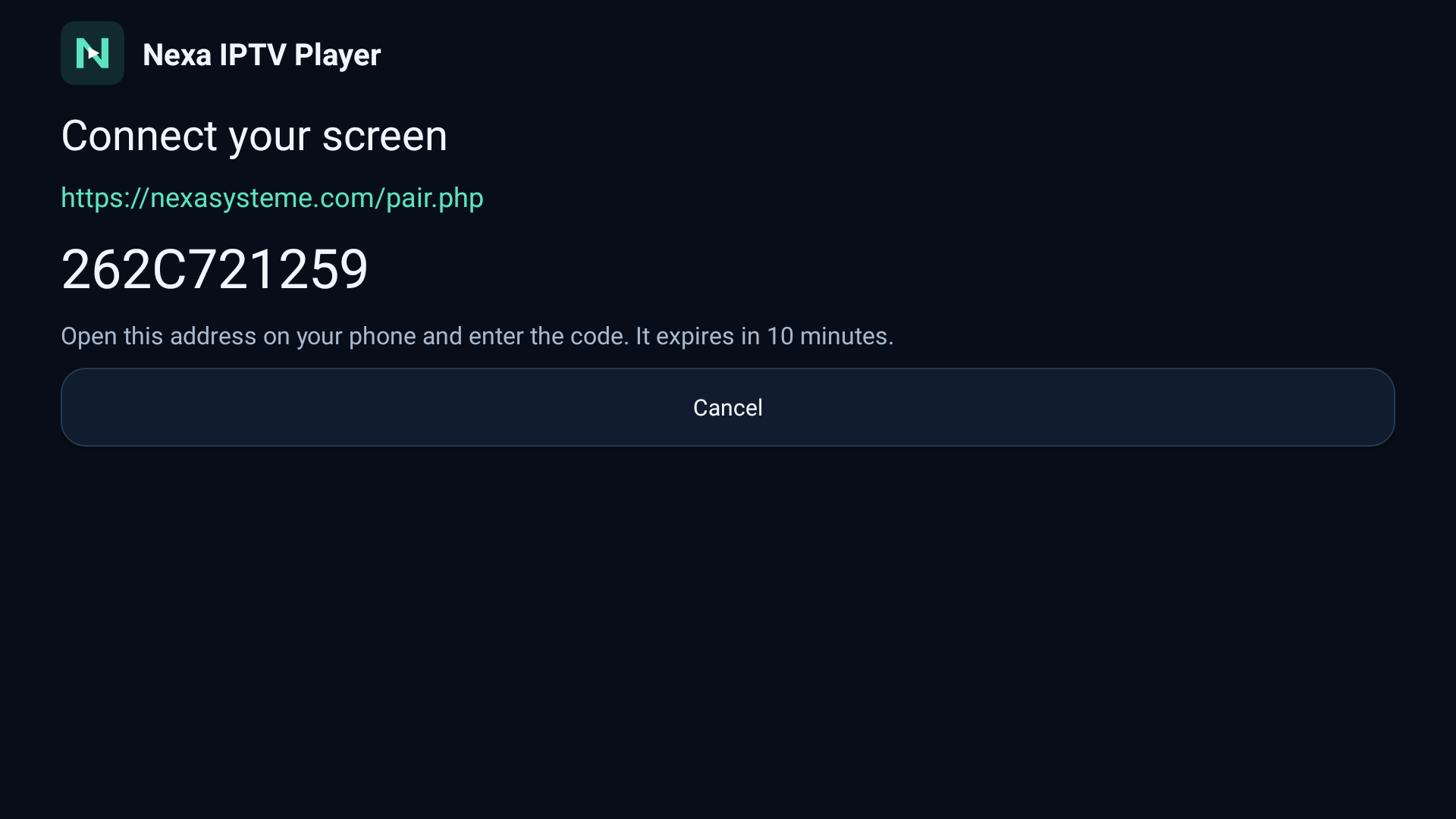
Use the current code on your TV. The code in this screenshot has expired.
All the features. A choice that fits you.
€6.99/ year
No card required to try.
Paid plan renews annually. Cancel renewal from your account.
€15.99one-time
One payment. Your lifetime player license.
Prices in euros. Secure checkout with Stripe. Your trial does not automatically become a paid plan. Your provider’s simultaneous connection limits still apply.
CHOOSE YOUR DEVICE
Find Nexa for your device and make yourself at home.
For your phone, tablet, Android TV and Google TV. Sign in with Google to access your Nexa account.
Sign in with Amazon, explore sample videos and play your own M3U playlists on a compatible Fire TV.
Amazon sign-in · Purchases through Amazon
Explore Nexa for Fire TV Get it on Amazon AppstoreNo. Nexa is a player for your own authorized playlists. It does not provide channels, films or content subscriptions.
Nexa supports Android phones, tablets, Android TV and Google TV, plus compatible Fire TV devices. Link up to 5 devices to your account.
Yes. Add your own M3U playlist URL or the Xtream account details supplied by your authorized provider. Nexa organizes the available live TV, movies and series. Catalog availability and playback quality depend on your source and internet connection.
Open Nexa and sign in with Amazon to explore sample videos or add your own M3U playlist. Purchases are processed through Amazon inside the app. See Nexa for Fire TV for details.
Open Nexa on your TV and choose to link from another device. Open Link TV, enter the ten-character code and sign in with Google or Amazon. Confirm the device using your Nexa account. Codes expire after ten minutes.
Your license allows 5 registered devices. Simultaneous playback depends on your playlist provider’s connection limits.
The trial lasts seven days and requires no card. It does not automatically turn into a paid subscription. Choose an annual or lifetime plan from My account to continue.
Visit My account to unlink devices, manage your subscription or delete your account. Cancel any paid renewal before deleting your account.